
BigCommerce – Legacy Embedded Integration
- This is a step-by-step guide on integrating Bankful into BigCommerce
- You will need a Username & Password for an active Bankful account to continue
- If you have not signed up for Bankful, please do so here
- We advise setting customer Email & Phone Number fields to mandatory within BigCommerce
- This will help your processing bank verify transactions and help with any future chargeback disputes
Integrating Bankful Into BigCommerce
- Log into Bigcommerce
- Click Settings
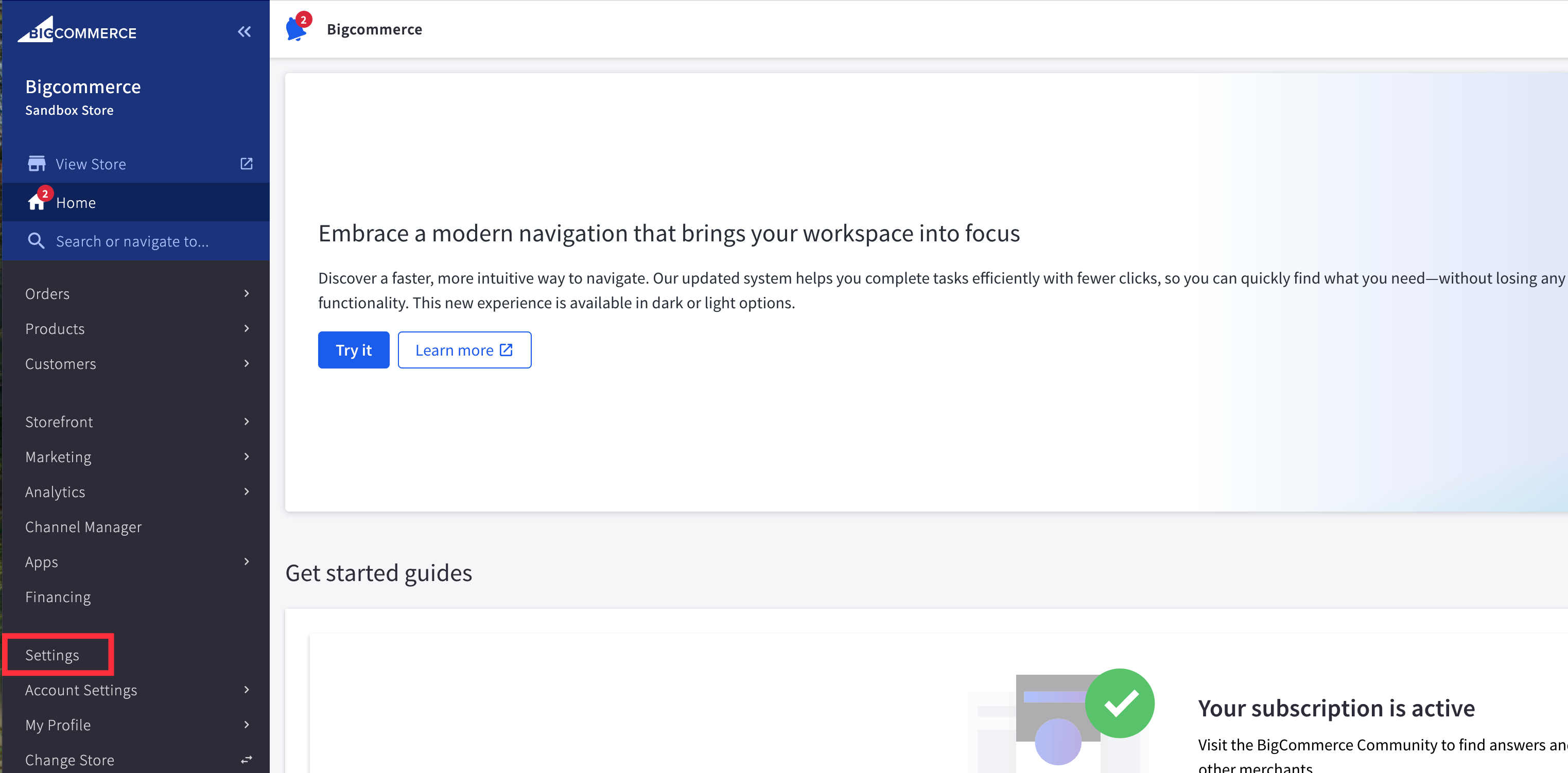
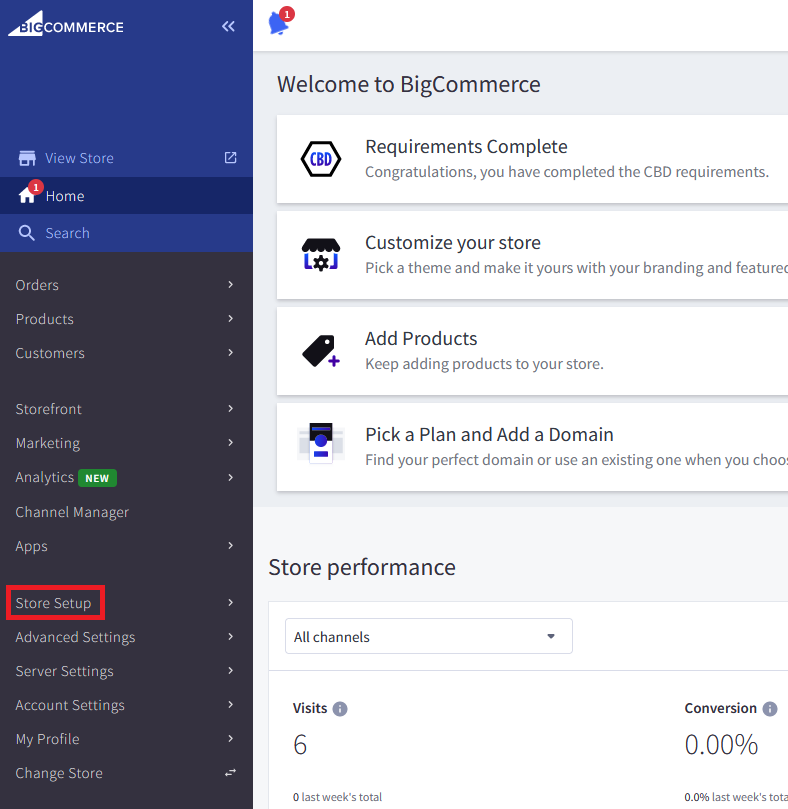
1. Click Store Setup
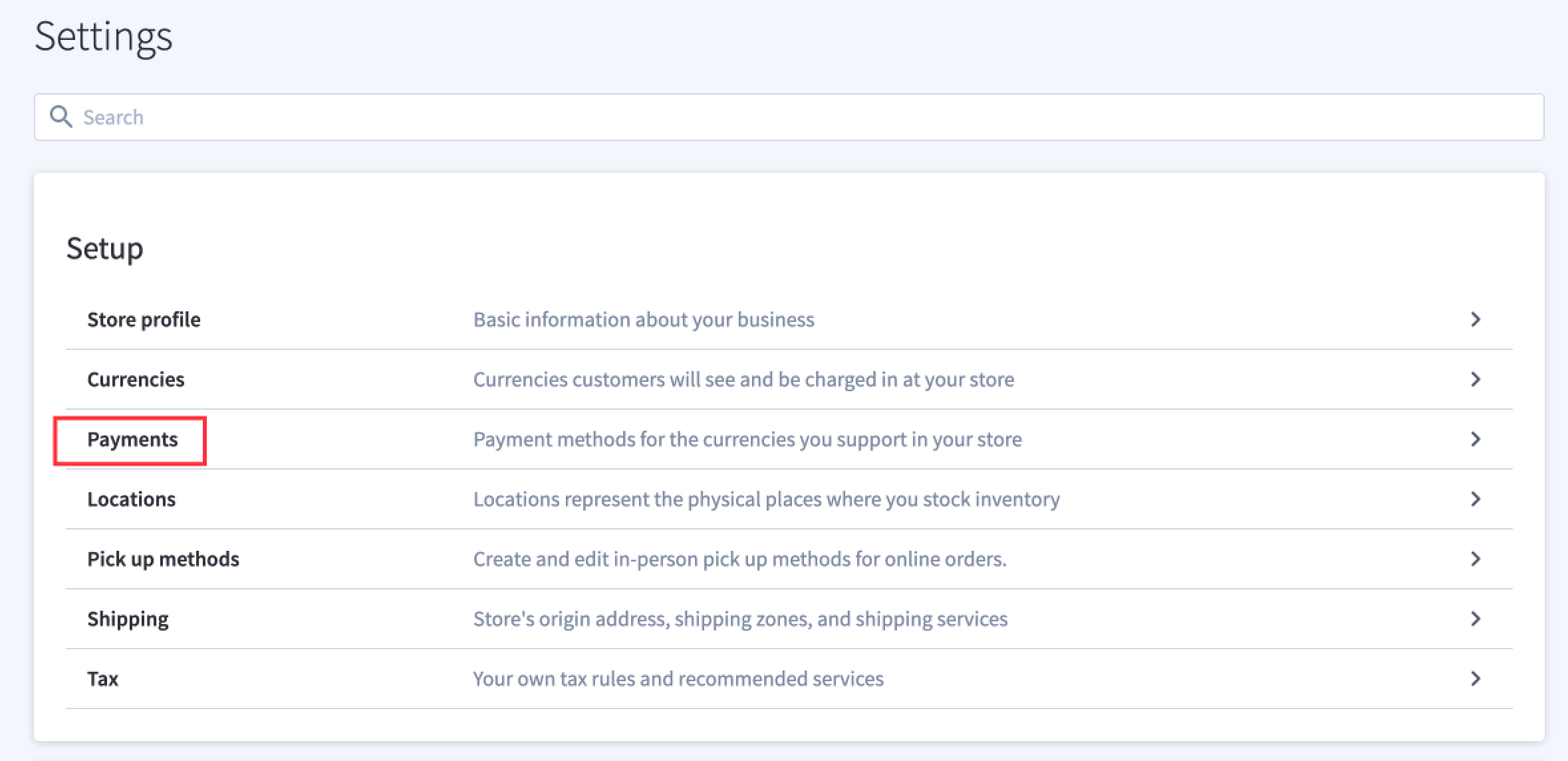
2. Click Payments
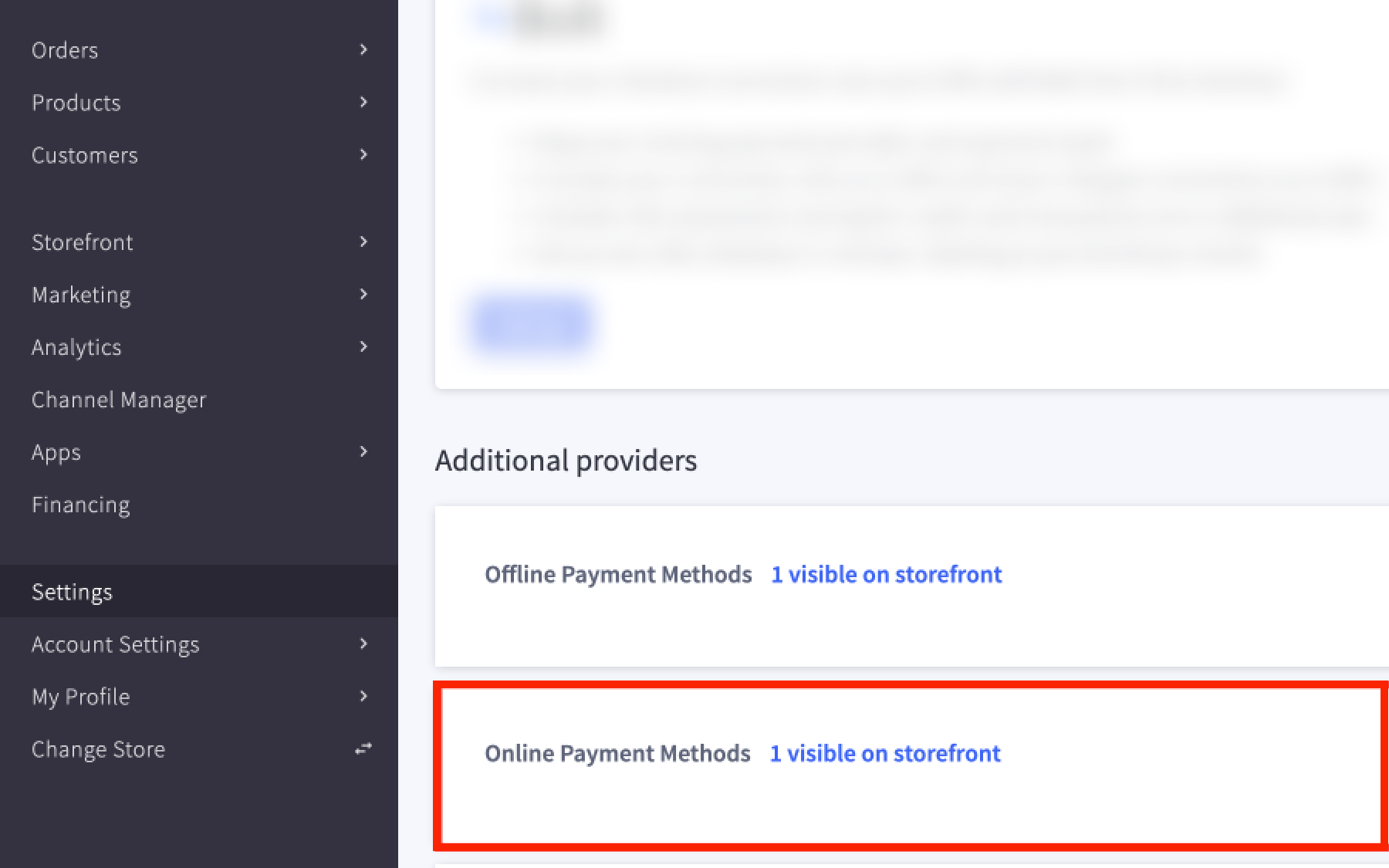
3. Scroll down and click on Online Payment Methods
4. Scroll down the list to find Bankful and click Set Up
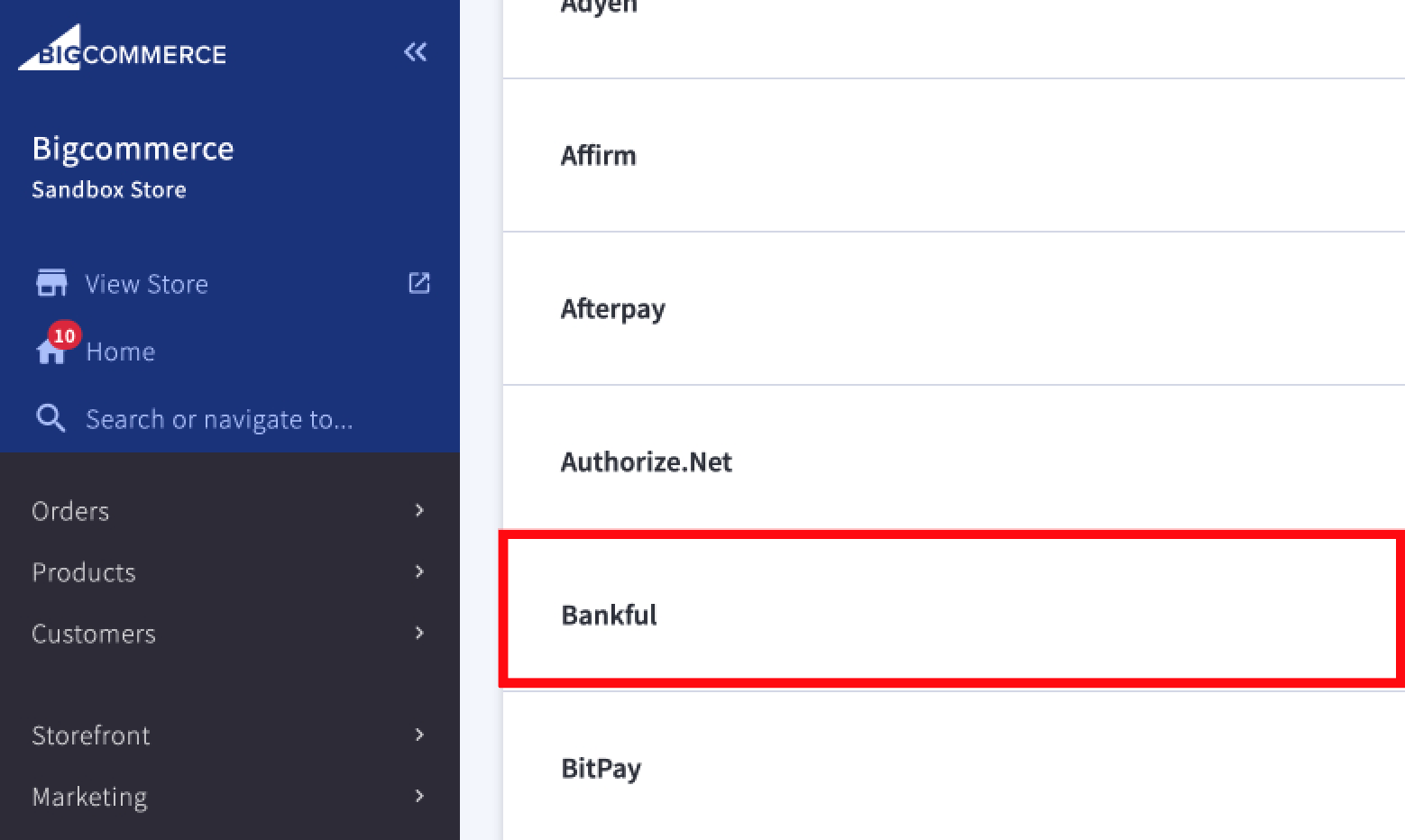
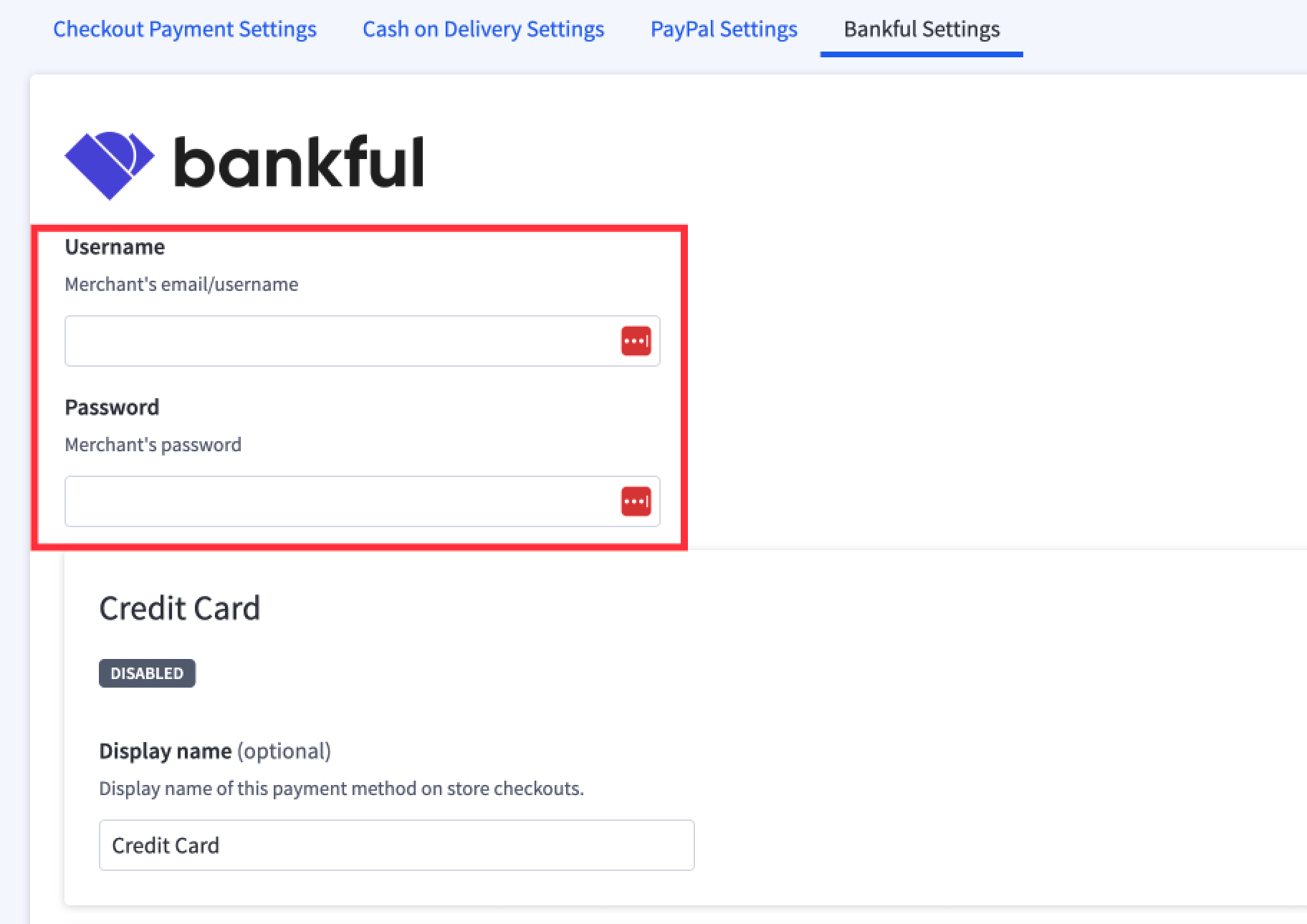
5. Enter the credentials you created and use to login to Bankful.
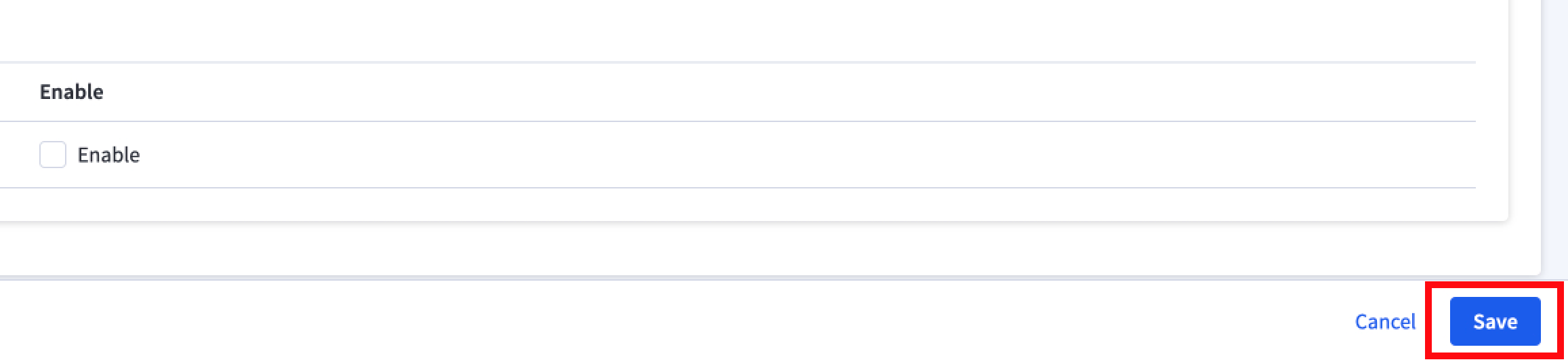
6. Click Save
Tips & Recommendations
- For manual transactions, Bankful has a Virtual Terminal
- General guides on how to use Bankful
- We recommend setting the customer Phone Number field to mandatory within Bigcommerce.
- This will help with chargeback disputes with your processor.
Still have Questions?
If you’re an existing Bankful merchant, the fastest way to get help is to
submit a support ticket — our team monitors the queue continuously and
you’ll get a tracked, documented response.
🎫 Submit a ticket: here.
Prefer to reach us another way? We’ve got you covered:
💬 Live chat — click the chat icon in the bottom right corner of this page
📧 Email: [email protected]
📞 Phone: 888-882-9494
Last updated: August, 2026